Fluentive vs Microsoft Planner: Which Is Better for Small Teams?
Microsoft Planner is excellent for project tasks. Fluentive is built for the day-to-day reality of small service teams: clients, appointments, tasks, and the people doing the work.
Written by Peter, Founder of Fluentive ·
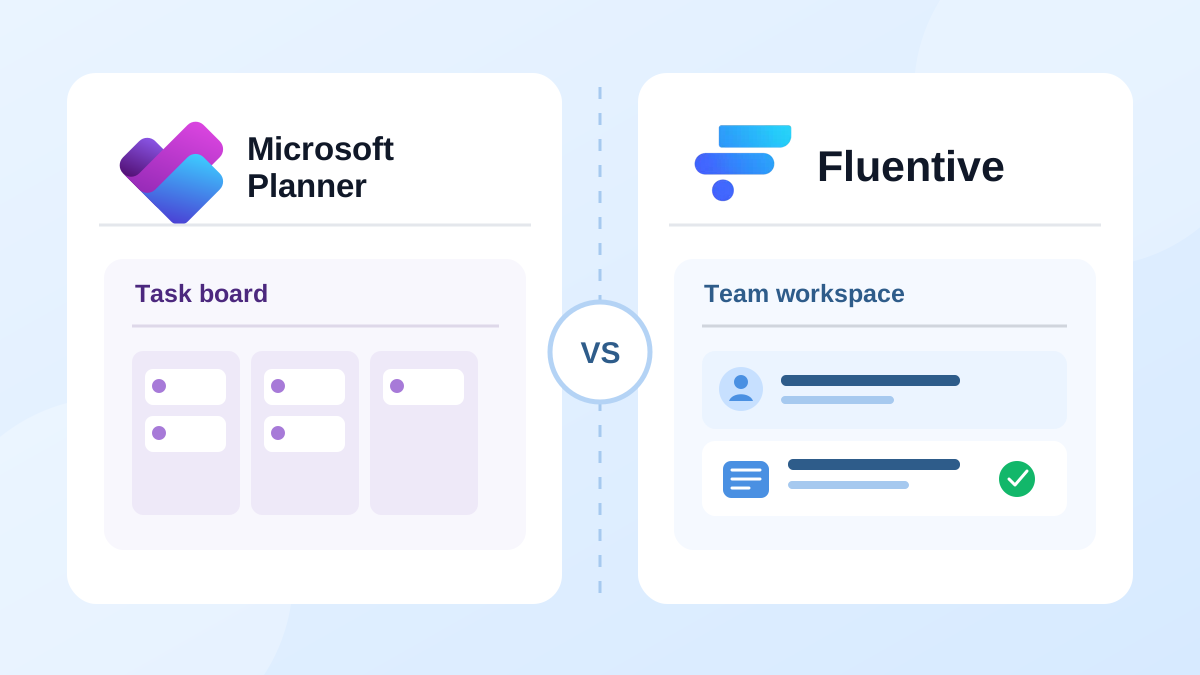
Microsoft Planner is a logical choice for individuals or teams already using Microsoft 365. It gives a team a shared board, assigned tasks, due dates, labels, checklists, and a view of project progress.
But in case of a small clinic, salon, field-service crew, or coaching practice, the day‑to‑day work is completely different. Work is not just moving tasks across a board. Every task or appointment belongs to a client, happens at a time, may involve several people, and leaves a history that the team should be aware next time.
This is an fair comparison of Fluentive and Microsoft Planner for small teams. The intention is not to prove which is better; the right choice depends on whether you are managing projects or running client-facing work.
What Each Tool Is Actually For
Microsoft Planner is a task and project-management tool. Its core model is a plan containing tasks. Teams can organize those tasks in grid, board, schedule, and chart views; premium plans add project features such as timelines, dependencies, goals, and custom fields.
Fluentive is a client and team workspace for small businesses and freelancers. Its core model is the relationship between a client, an appointment, a task, and the team members responsible for it. It helps businesses manage daily work without turning every appointment or task into a project‑management setup.
Where They Overlap
- Assign work to team members
- Set due dates and follow progress
- Use labels or categories to organize work
- See shared team work in one place
- Work from desktop and mobile devices
If your need is simply to distribute internal tasks, set deadlines, and follow progress on a board, Planner is a very sensible choice, especially when your team already lives in Microsoft Teams.
Where the Differences Start to Matter
1. A Client Record, Not Just a Task Card
Planner tasks can include notes, files, checklists, and comments. But the task is the center of the record. It is not linked with a client, so it does not create a client profile that collects every appointment, note, follow-up, and piece of history for the same person over time.
Fluentive makes the client the center of the record. Every appointment and task linked to a client lives on the client's profile, so anyone on the team can understand the relationship before the next visit or call.
2. Appointments That Live on a Team Calendar
Planner's Schedule view places task dates on a calendar. That is useful for seeing deadlines, but a deadline is not the same as a booked appointment. Planner is not designed to show a service team's day, or answer questions like: who is with which client, at what time, and alongside which colleague.
Fluentive is built around that live schedule. Team members appear in one shared calendar, and each event can show the client and the staff assigned to do the work.
3. Multiple Employees on the Same Work
Planner supports multiple assignees on a task, which is useful for collaborative project work. Fluentive brings that capability into scheduling: assign multiple staff members to one appointment and each person sees the same event on their calendar.
It’s a crucial difference when a technician needs an assistant, a doctor needs a nurse, or two crew members need to arrive at the same client site.
4. Workflow States That Reflect the Reality of a Service Team’s Day
Planner tracks task progress and lets teams organize tasks with buckets and labels. This is ideal for project stages. A service team often needs a different vocabulary: Confirmed, Arrived, In Progress, Completed, No-Show, or Invoiced.
Fluentive provides custom event states with colors, so the team can read the status of the day at a glance, using terms that reflect their actual workflow.
5. Follow-ups That Stay With the Right Person
Planner is excellent at keeping a project task visible. But when a task is “call Maria with her results” or “send the estimate to ACME,” the important context is the client. Fluentive links the follow-up directly to that client, alongside their previous appointments and notes.
What Microsoft Planner Does Better
- Microsoft 365 integration. Planner works closely with Teams and the wider Microsoft ecosystem.
- Project views. Its board, grid, charts, and premium timeline/Gantt capabilities are useful for planning substantial projects.
- Project structure. Buckets, checklists, attachments, dependencies, and goal tracking suit work with many moving parts.
- Enterprise administration. It is a natural fit for organizations that already use Microsoft 365 groups, policies, and licensing.
Feature Comparison
| Feature | Fluentive | Microsoft Planner |
|---|---|---|
| Shared team task management | Yes | Yes |
| Multiple people assigned to work | Yes - appointments and tasks | Yes - tasks |
| Client profiles with full appointment history | Yes | No |
| Tasks linked to specific clients | Yes | No |
| Shared appointment calendar for the team | Yes | Task dates in Schedule view |
| Custom appointment workflow states | Yes | Task progress, buckets, and labels |
| Kanban project boards and charts | No | Yes |
| Gantt timelines and dependencies | No | Yes - premium plans |
| Microsoft Teams and Microsoft 365 integration | No | Yes |
| Simple, client-centered setup for service teams | Yes | Requires a project/task workflow |
Microsoft Planner plans, features, and licensing can change. Check Microsoft's current documentation and pricing before making a purchase decision.
Who Should Use What
Microsoft Planner is the right fit if:
- Your work is primarily internal projects, campaigns, or product work
- Your team already uses Microsoft Teams and Microsoft 365
- You need Kanban boards, task charts, or premium project planning tools
- The task-not the client appointment-is the main unit of work
Fluentive is the right fit if:
- You manage repeat clients and need their history before every appointment
- You need one shared view of clients, appointments, tasks, and team availability
- Your work is scheduled at specific times and may involve several staff members
- You want workflow states that mirror a clinic, salon, coaching practice, or field-service operation
- You want to get a small team organized without building a project-management system first
Bottom Line
Microsoft Planner is a powerful task-management choice for teams working on internal projects inside Microsoft 365. Fluentive is not trying to replace its project boards, timelines, or enterprise ecosystem.
But when your team needs to know who the client is, what happened last time, who is booked to do the work, and what follow-up remains, a task board alone is not enough. Fluentive brings those daily operational details together in one simple workspace. It's the same workspace small teams and small businesses use to keep client records, scheduling, and tasks together.
See the difference for yourself
Try Fluentive free-no credit card required. Set up your team in minutes.
Try Fluentive Free