Appointment, Client & Task Management for Small Teams
- Without the Complexity
Keep your calendar, client details and daily work in one simple place. Fluentive helps small businesses and freelancers see who is doing what, for whom, and when.
14-day free trial · No credit card required
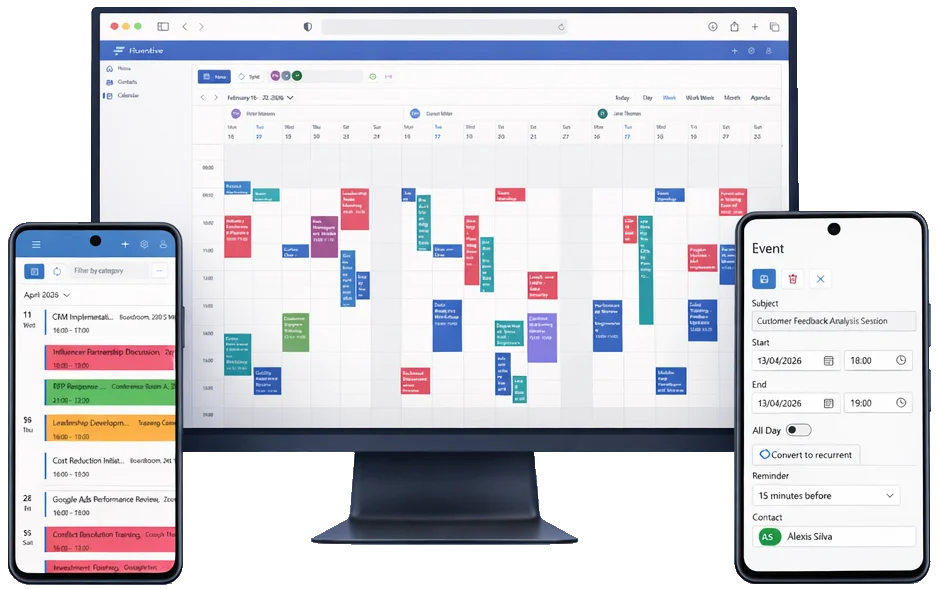
A Simple Workspace for Jobs, Clients, Tasks, and Team Scheduling
Fluentive brings scheduling, client management, and team coordination together, without the clutter of
traditional CRMs.
Fast, intuitive, and built for teams who want clarity, not complicated setup and training.
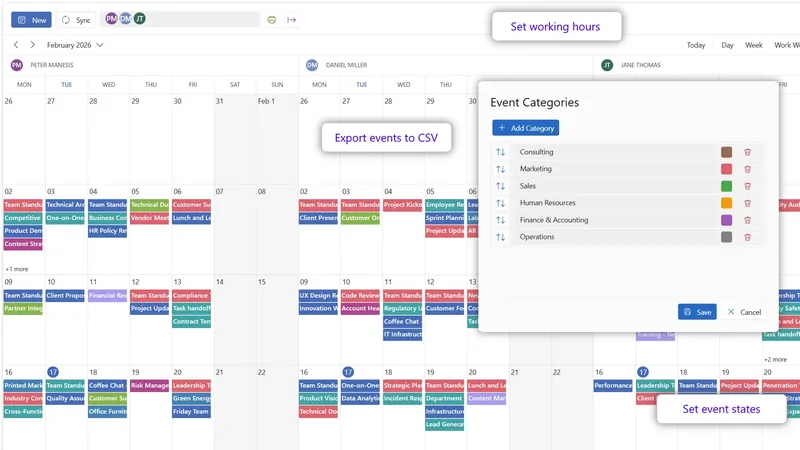
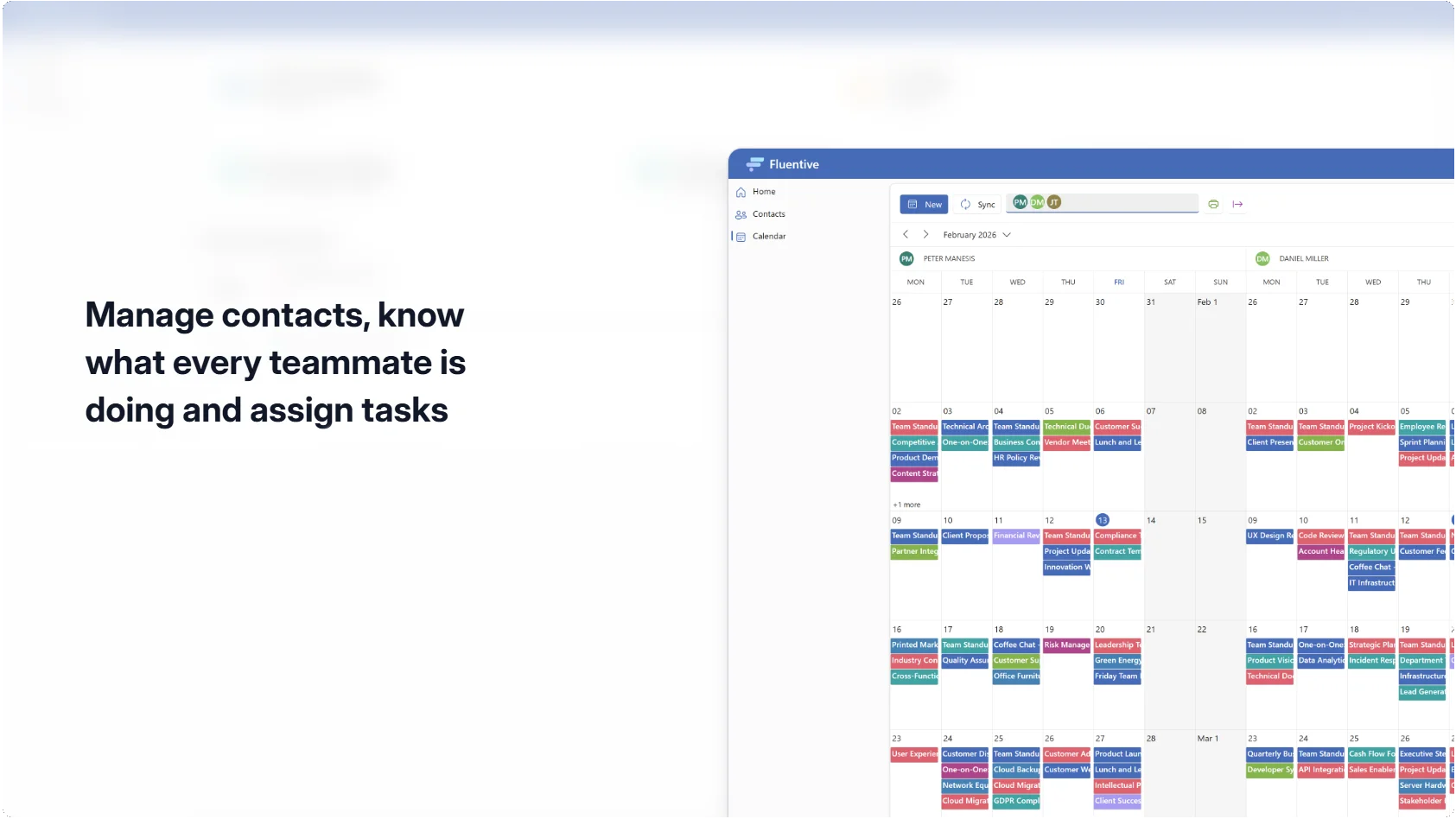
Schedule appointments and see your team’s availability
- Day, week, month, and agenda calendar views
- Team calendar - see every member's schedule side-by-side in columns
- Show or hide team members - choose which employees appear in the calendar
- Recurring events (weekly, monthly or custom)
- Drag or copy an appointment to a different date or team member
- Filter appointments and tasks by category or status
- Timezone-aware scheduling for international teams
- Export the calendar to an Excel file
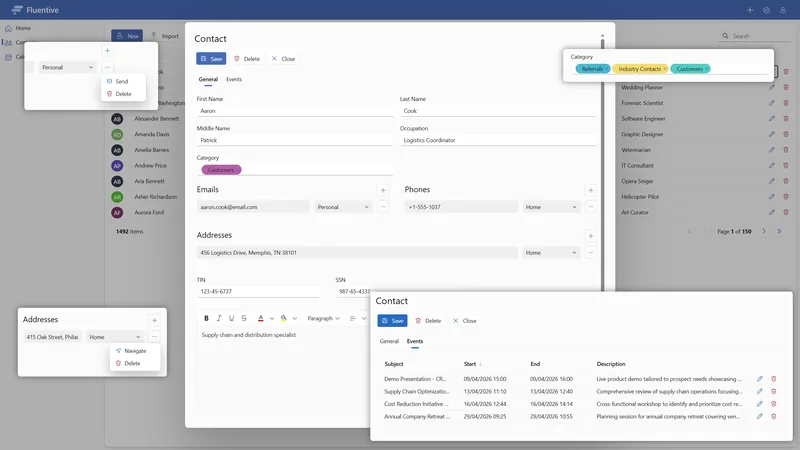
Keep client details and work history together
- Detailed contact profiles (emails, phone numbers, addresses, tax ID, profession, company, and more)
- Each contact can have multiple emails, phone numbers, and addresses
- Rich text notes with Word-style formatting
- Full task & appointment history per contact
- Contact categories with a title and color label
- Navigate to a contact's address via Google Maps or your phone's default maps app
- Import contacts from file
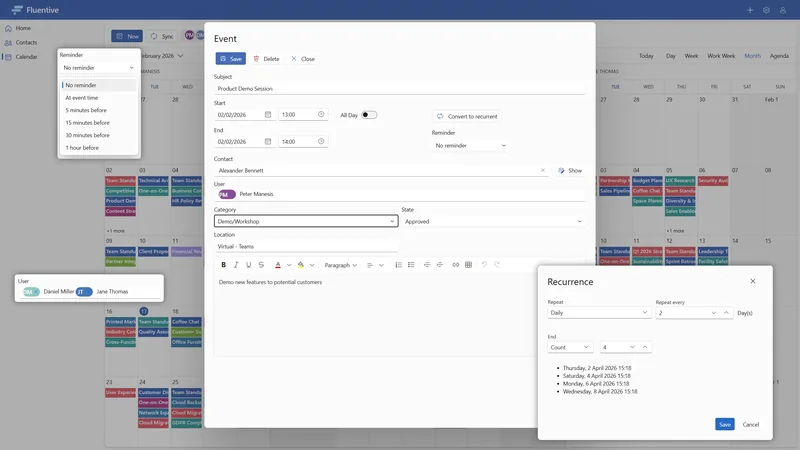
Organize tasks and assign work
- Assign events to any team member
- Link events to one or more contacts
- Event and appointment categories with a title and color label
- Custom event states
- Automated reminders
Give every team member a clear view of their work
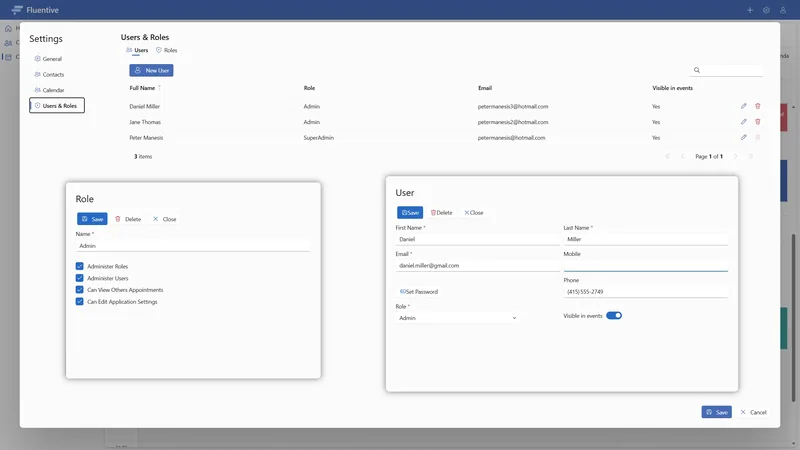
- Role-based permissions
- Built-in owner, admin, and user roles, plus the ability to add custom roles
- Every team member has their own login
- Choose which users appear in the calendar
- Manage roles and users with a few clicks

Simple to learn, fast to use
Start managing jobs and clients in minutes - no setup, no training, no configuration.

Fast, Responsive, Built for Daily Use
Designed for maximum productivity. Accomplish any action with the fewest clicks possible.
What I love about Fluentive is how simple it is.
Adapt Fluentive to the way you work
Set your working days and hours, calendar view, and date and time formats to match your schedule.
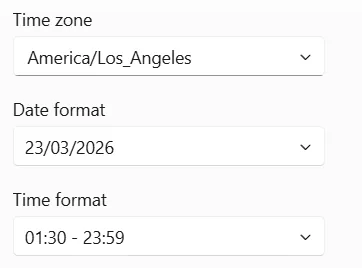
Locale
Set your preferred date format, time format, and timezone to match your region and workflow.
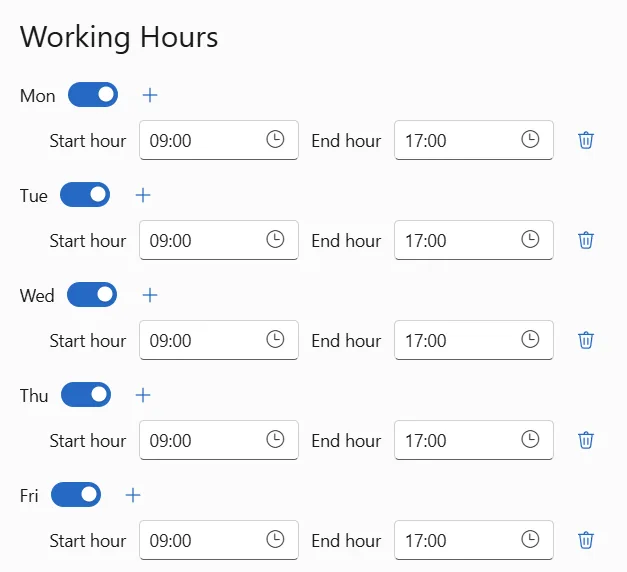
Work Schedule
Configure your working days, hours, time slot intervals, and default calendar view to match your actual working pattern.
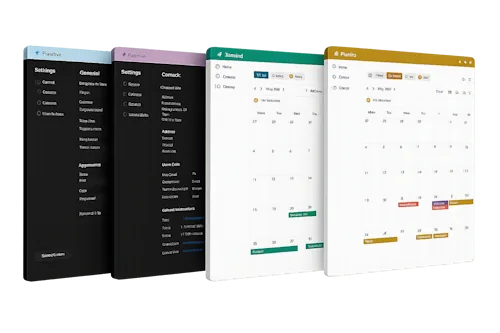
Color Themes
Choose from multiple color themes with light or dark backgrounds to match your personal preference.
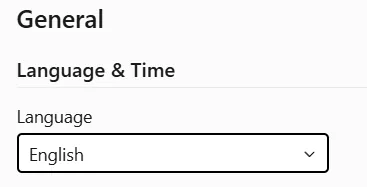
Multi-Language
Fluentive is fully available in English, French, and Greek, with more languages planned for future releases.
A clean interface you'll actually want to use
Fast, intuitive, and beautiful. Fluentive is built for real work, making every day as smooth as possible.
See how Fluentive fits your work
Different teams, one clear place for appointments, clients and work.

Medical Professionals
Manage appointments, patient records, and your daily workflow, with or without a receptionist.

Technical Services
Dispatch technicians efficiently, assign multiple personnel to complex jobs, and track service calls with detailed notes.

Coaches & Trainers
Schedule sessions, track your clients’ progress, and manage recurring appointments.

Small Businesses & Freelancers
Coordinate your team, manage contacts and tasks, and keep operations running smoothly.

Hair & Beauty Salons
Book appointments, manage stylists' schedules, and keep detailed client preference notes.

Construction Companies
Coordinate crews, track job stages, assign multiple workers to projects and keep every project organized.
Works on all your devices, no app store needed
Fluentive is a Progressive Web App (PWA). Install it directly from your browser on Android, iPhone, or Windows and get a fast, native-like experience - no download, no App Store, no Play Store required.
Web
Open Fluentive in any browser - Chrome, Safari, Firefox, or Edge. No installation needed.
Android
Install from Chrome on any Android phone or tablet, works just like a native app.
Install guide →iPhone & iPad
Add to your Home Screen from Safari on any iPhone or iPad with a single tap.
Install guide →Windows
Install as a desktop app from Microsoft Edge or Chrome on Windows 10 and 11.
Install guide →Frequently asked questions
Ready to bring order to your business?
Join professionals who manage their clients, schedules, and teams with Fluentive. Try free, no credit card required.
14-day free trial · No credit card required